☷ Admin dashboard
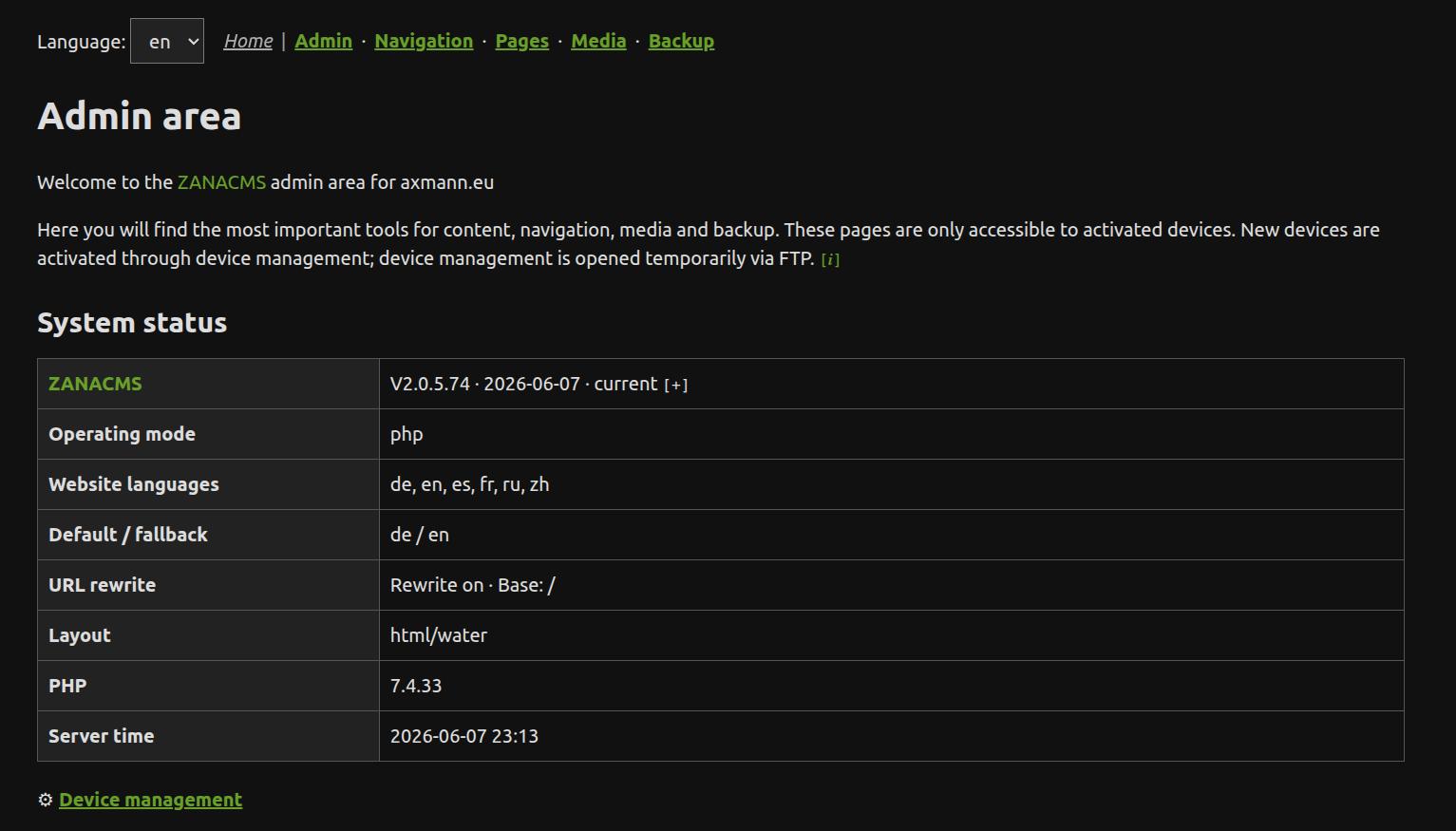
The admin dashboard is the start page of the ZANACMS admin area. It shows which installation you are looking at and gives a quick overview of whether the system needs attention.
What you see here
The welcome line shows the current site host and base path, for example example.org or example.org/cms. The protocol is not shown.
The status table lists the installed ZANACMS version, the active website mode, configured languages, URL mode, selected layout, PHP version and server time. It can also show a GitHub version status. This is only an information display and does not install updates automatically. To disable the check, set autoupdcheck to false in /__config/conf.php.
Below the status table, the dashboard links to Settings when adminexposure >= 3, and then to the device manager. Pages, Navigation, Media and Backup/Update are available from the top admin navigation where applicable. Backup is hidden for Editor level 1.
When to check this page
Check this page after the initial setup, after an update, and whenever something behaves unexpectedly. The status table helps confirm that the correct version and mode are active.