➔ Navigation
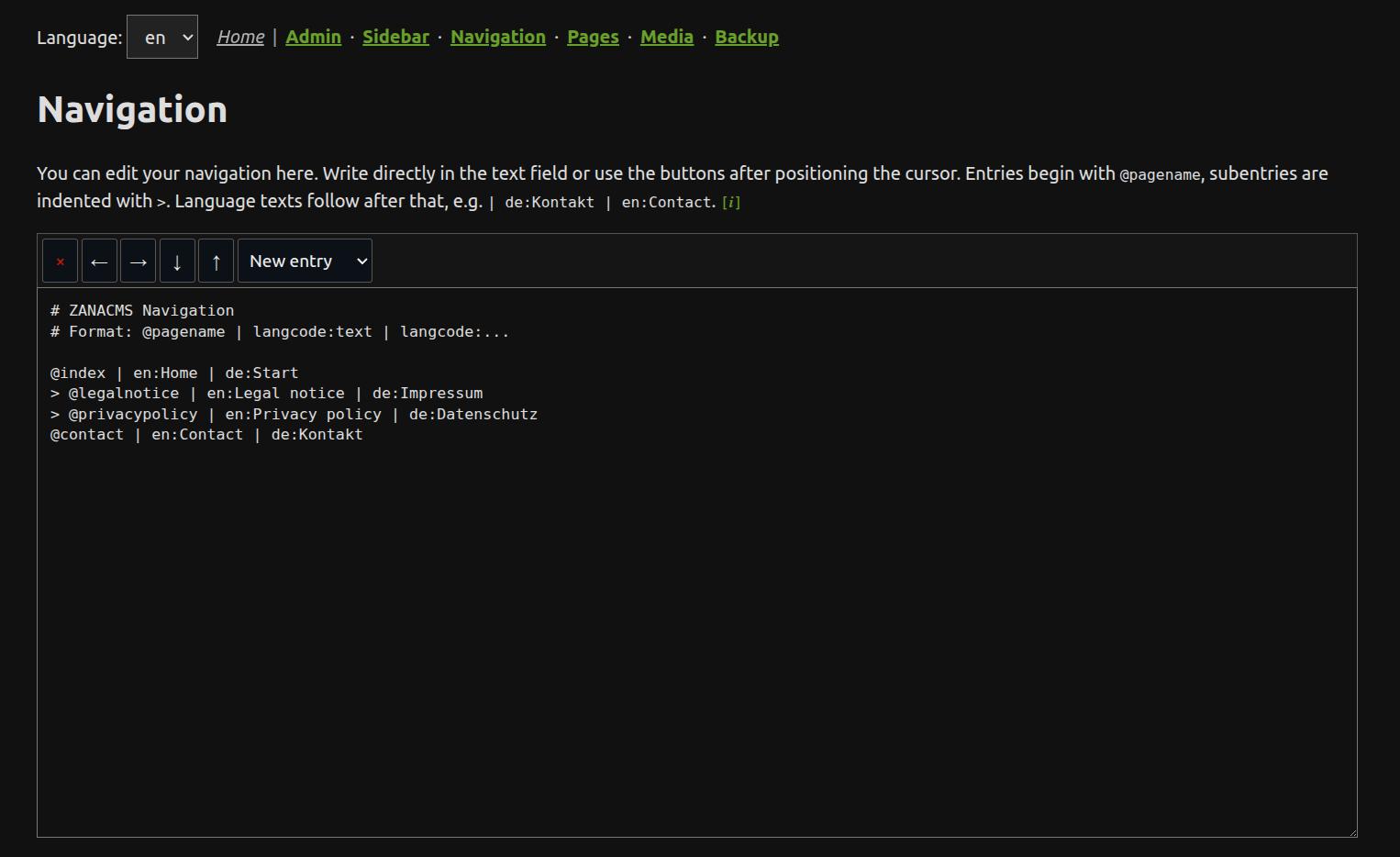
The navigation editor changes the website menu for the active mode when navi is not set manually in /__config/conf.php.
What you edit
You edit the menu structure and the visible menu labels. The targets are internal page IDs, for example:
index
contact
Always use page IDs for navigation entries, not file paths or full URLs. You can use the button to move the navigation (trees) up and down or move use the left and right arrow buttons the change the level of the navigation entry. Please put the cursor in the line you want to manipulate.
Good practice
Keep page IDs short and stable. If the displayed menu text needs to change, edit the visible label — not the page ID. Changing a page ID breaks existing internal links and navigation entries that point to it.