⚃ Media
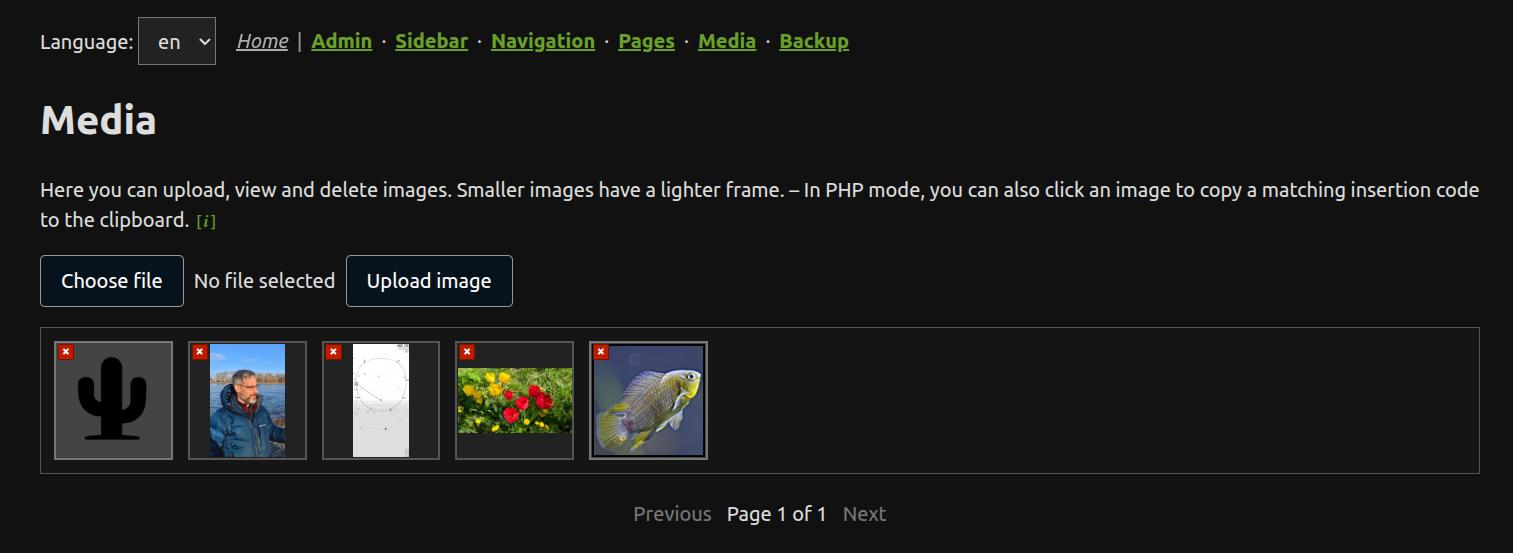
The Media tool uploads images to the website and copies ready-to-use image code for the current mode.
Main folder
Website images are normally stored in:
/img/
Larger generated image versions may be stored in:
/img/big/
Upload
Use the upload area to select an image and upload it. ZANACMS processes the uploaded file and prepares the stored image versions for use in pages.
Copy image code
Click an image in the media grid to copy the correct code for the current website mode to the clipboard:
- In MD mode, the copied code is Markdown image syntax.
- In Rich mode, the copied code is HTML for use in the Rich editor source view.
- In PHP mode, the copied code uses
zoutimg().
Delete
Use the small delete button on an image to remove it from the media folder. If a matching larger version exists in /img/big/, both files are deleted.